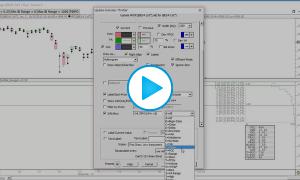
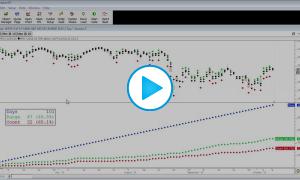
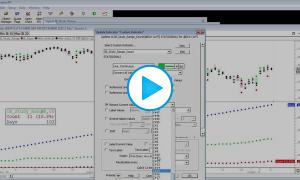
This video discusses the how to setup chart to monitor and track the opening range trades.
Note
The video and results below reflect a 10-minute opening range. In order to test different opening range durations, you must open all signals ending in "_1MIN" as shown in the video, and adjust "POS > 10" to reflect the new duration, and also adjust the SESST_ORH and SESST_ORL tokens to reflect the new duration ("First 10 Minutes of Session"). You may actually plug in a user variable (i.e. V#5) into the 3 spots in all 6 indicators, and then simply change the V#5 value in one place (quotepage column).
The Total Trades (and therefore the Percent Winners) are only considering those trades that hit the target or stop. Not including those that would have been entered but would have finished day without hitting either target or stop. The number in parenthesis is the number of trades that hit neither the stop or target.
The original Opening Range Short Trades chart had an error in the calculation of the stopped out trades but has been corrected in the chart and definition below as well as the results.
In these charts, to reach the target, we are looking for a move equivalent to the opening range. However, to reach the stop, we are looking for price to move from 1 tick above OR to 1 tick below. So technically, the stop is 2 ticks larger than target and would account to some degree to the hit targets outnumbering the stop outs.
| OR | Hit Target | Stopped Out | Total Trades* | Percent Winners |
| 5 | 162 | 145 | 307 (1) | 52.8% |
| 10 | 169 | 127 | 296 (12) | 57.1% |
| 15 | 160 | 117 | 277 (11) | 57.8% |
| 20 | 171 | 108 | 279 (19) | 61.3% |
| 30 | 157 | 102 | 259 (42) | 60.6% |
| 60 | 93 | 73 | 166 (151) | 56.0% |
| Short Trades | ||||
| OR | Hit Target | Stopped Out | Total Trades | Percent Winners |
| 5 | 167 | 123 | 290 (0) | 57.6% |
| 10 | 169 | 133 | 302 (6) | 56.0% |
| 15 | 164 | 129 | 293 (17) | 56.0% |
| 20 | 151 | 121 | 272 (28) | 55.5% |
| 30 | 139 | 106 | 245 (50) | 56.7% |
| 60 | 86 | 67 | 153 (111) | 56.2% |
*In the total trades, I am only considering those that hit target or stop. Not including those that would have been entered but would have finished day without hitting either target or stop.