Signal Markers & Custom Indicators
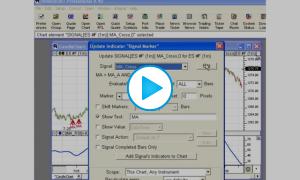
This video discusses how to create signals and custom indicators, and a quick and easy way to add them to charts via signal markers or custom indicators.


This video discusses how to create signals and custom indicators, and a quick and easy way to add them to charts via signal markers or custom indicators.
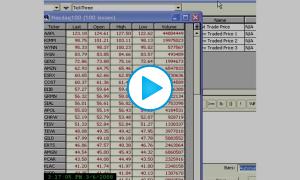
This video is going to demonstrate how to create a custom tick indicator, or a symbol, that tracks the tick of a group of symbols.
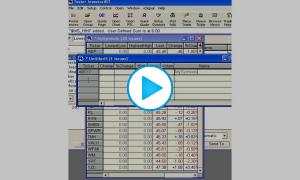
This video is going to demonstrate how to create a custom symbol that tracks how many symbols within this quote page are making new 20 day highs today.
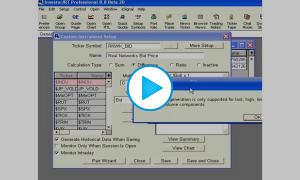
This video demonstrates how to create a custom instrument which tracks the bid or ask price of another symbol, and retains and charts the information historically. Especially useful for infrequently traded options to track their bid price regardless of whether the option actually trades or not.
The expressive power and ease of use of the RTL language has been improved substantially in Version 4.5 by the capability of referencing other scans, trading signals, and custom indicators when formulating an RTL expression for a scan or trading signal. New tokens have been introduced into RTL to enable the user to embed an existing scan (token SCAN), custom indicator (token CI), or trading signal (token SIGNAL) into the RTL expression. Multiple SCAN, CI, and SIGNAL tokens can be incorporated into a scan or trading signal just like multiple moving average (MA) tokens.
This video discusses how to import and create custom symbols which track various statistics for large lists of symbols, such as advancers/decliners, Adv/Dec volume, up ticks, up tick volume, on SP500, NQ100, or any custom list of symbols.
This video demonstrates how to create new sessions with user-specified start and stop times and assign them to symbols.
This video demonstrates the differences between Signals, Custom Indicators, Scans, and Signal Actions.
This video discuss how to manipulate custom indicators and signal markers within charts including: moving between charts, changing color and style, changing parameters or syntax.
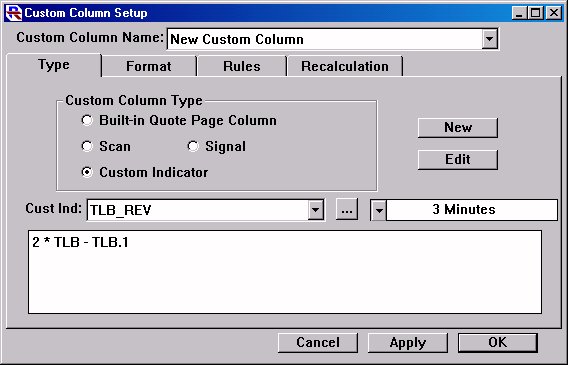
This is Part 3 of the Three line Break Tutorial
Now, let's create a Custom Column that builds off the TLB_REV Custom Indicator that we've already created, and then add this custom column to a quotepage.