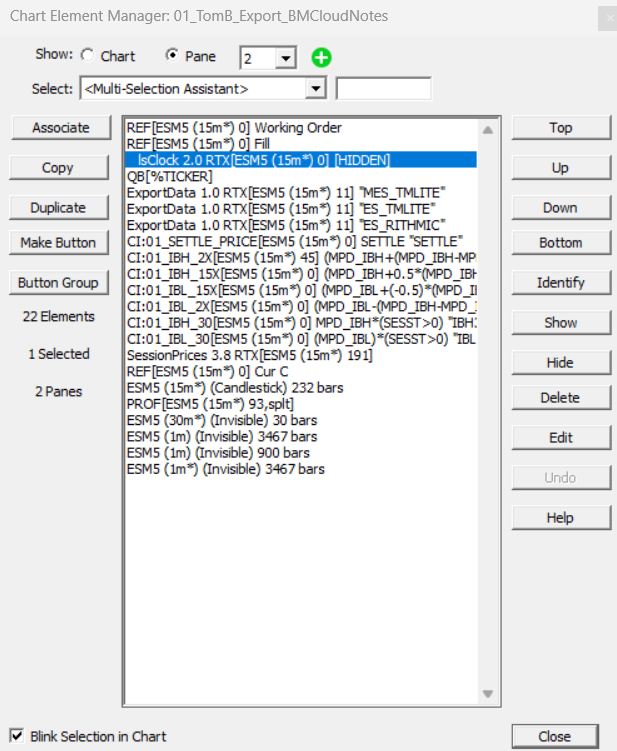
Chart Element Manager
SUBMITTED BY scooke at 2014-09-26 11:56:06 America/New_York time
The chart Element Manager offers an easy way for users to Select, Edit, Reorder, Show, Hide or Delete Chart Elements from a Multi-Pane charts. There are multiple ways to open the Chart Element Manager:
- Double-click inside an empty space of the chart
- Right-click in a multi-pane chart and choose Setup > Element
- Shift-click on the vertical scale area