RTL Lesson - Apply Indicator To Another Indicator
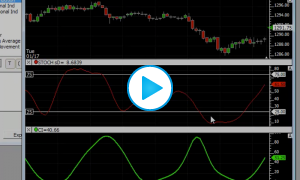
This video demonstrates to use RTL to apply an indicator to another indicator. In this case, we took the RSI of a Stochastic Slow %D as well as a Moving Average of the same Stochastic Slow %D.


This video demonstrates to use RTL to apply an indicator to another indicator. In this case, we took the RSI of a Stochastic Slow %D as well as a Moving Average of the same Stochastic Slow %D.
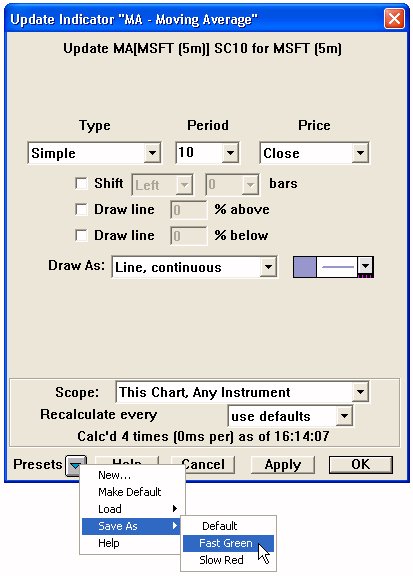
The Preset Popup Button The preset popup button can be found at the bottom of all technical indicator preference windows. Clicking on the button initiates a popup window as seen below.
This indicator the various options users have for the scope of indicators in multi-pane charts
https://www.linnsoft.com/feature/technical-indicator-scope