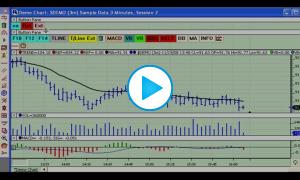
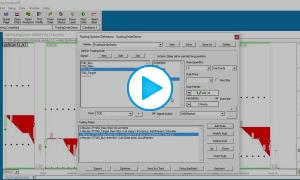
This video demonstrates how to use the Button Indicator to invoke limit orders with variable size and using a drawing tool to select the limit price. Another Button (indicator) is used to set the size of the limit order. A third button is demonstrated which flattens any open positions. Limit orders may be dragged to a different price, or revised (quantity or price) by right-clicking on the working order reference line. Working orders may be cancelled by clicking the X on the reference line, and open positions may also be flattened by clicking on the same X on the open position reference line.
Please note that this video was recorded just prior to the introduction of the Trading Strategy feature (ie the support of server based OCO strategies for both CQG and Rithmic order routing service) so that you won't see the corresponding checkbox in the Trading Order setup window.